




Supply of medication and assistive devices
The ALS app is connected to the APST care network. This means that messages about care needs are sent to the coordinators of APST. They are in direct contact with ALS pharmacies, assistive technology experts and nutrition and respiratory teams. The care requirements reported by patients are first checked by the coordinators and then forwarded to the relevant providers after consultation with the patients. There, the needs are clarified in detail and, if necessary, tested, particularly in the case of assistive devices. The attending physician is then contacted in order to obtain agreement and consent for treatment. The doctor’s decision remains a central component of medical treatment – even if the need is communicated via the ALS app.
Notification of supply requirements for assistive devices
In the case of assistive devices, the need can be reported directly via a directory in the ALS app, which contains over 350 ALS-specific assistive devices. These can be selected with a click, provided with a comment and sent directly to the APST coordinators.
Once you have informed us in a care request via the ALS app that you need an assistive device, the case managers will be notified immediately. They will contact you and take care of providing you with an assistive device that is suitable for the course of your illness.
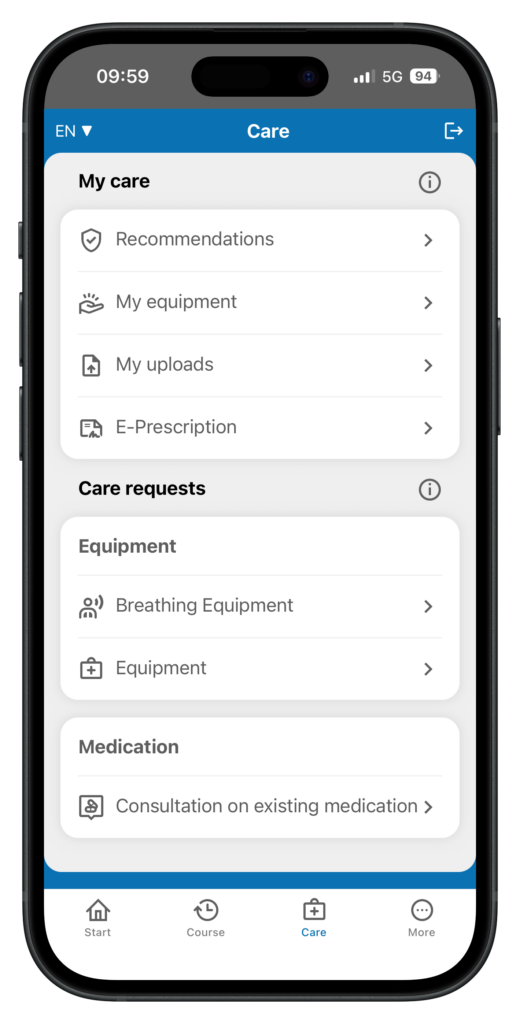
Communicate supply requirements for assistive devices
Users can notify their case managers of their need for an assistive device via the “Care requests > Assistive devices” function on the Care page.
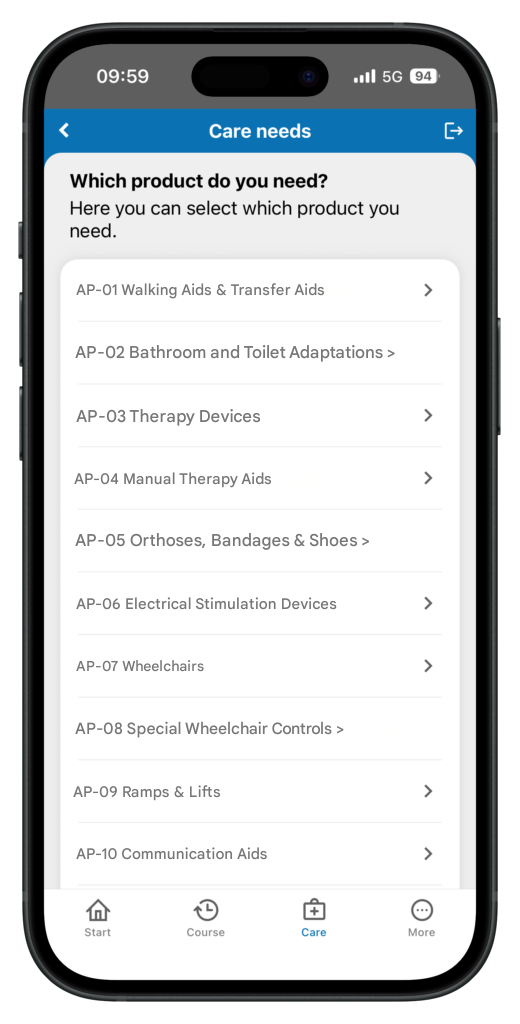
List of ALS-specific assistive devices for the notification of requirements
The ALS app offers a list of around 350 ALS-specific assistive devices for communicating requirements.
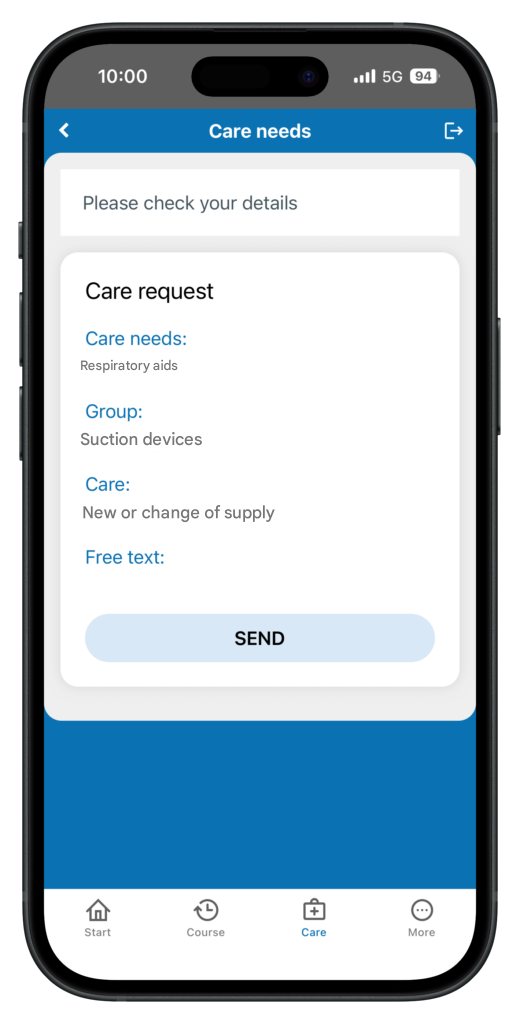
Send required care to case management
The notification of need – here using the example of a breathing aid – is sent to case management. Once it has been sent, case management contacts the user and takes care of the supply
Notification of need for advice on medication
If you let us know in a care request via the ALS app that you need advice on a neurological medication, your case managers will be notified immediately. They will take care of your consultation for the supply of a new or existing medication by a pharmacy specializing in ALS.
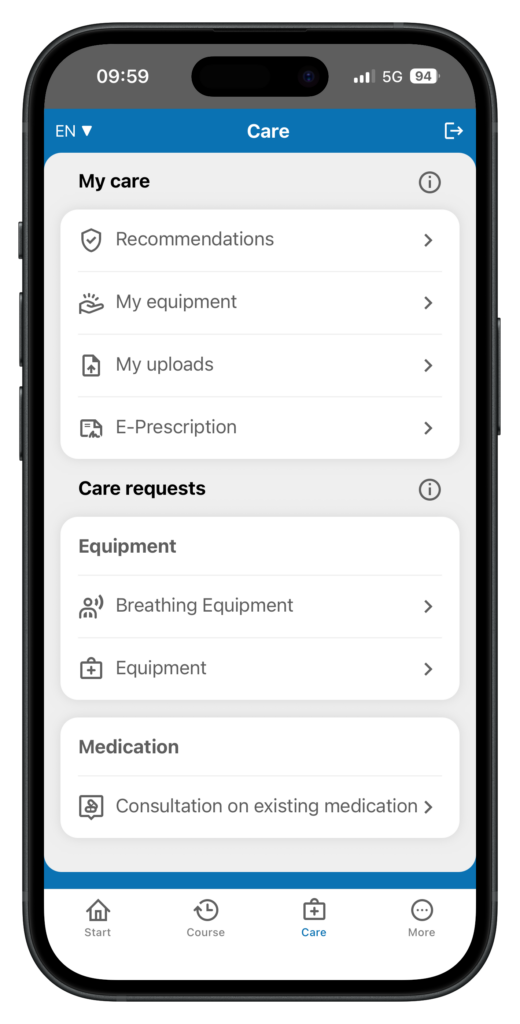
Select consultation requirements for medication
Users can notify their case managers of their need for advice on ALS-specific medication via the “Care requests > Medication” function on the Care page.
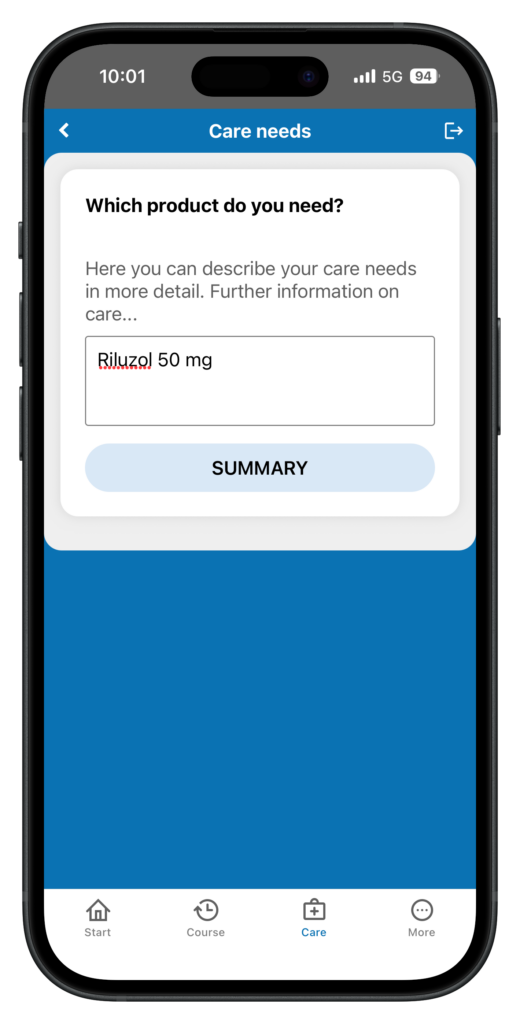
Advice for ALS-specific medication
On the next page, the need for advice on ALS-specific medication can be described.
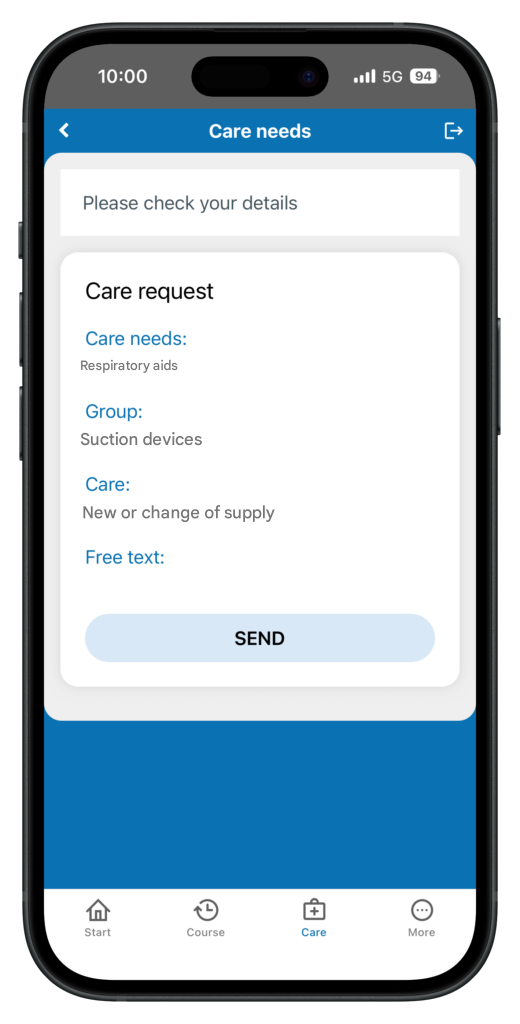
Send required advice to case management
The notification of a need for advice is sent to the case management team. Once it has been sent, the case management team or a pharmacy specializing in ALS contacts the user and takes care of the supply.
My supply of assistive devices
The “My assistive devices” function on the Care page provides an overview of the current and past supply of medical aids. In the detailed description of an individual assistive device, you can see the processing status of the supply process and which medical supply store supplies the assistive device. A filter function allows you to filter all assistive devices according to the status of the supply process (status), medical aid category and date of the most recent supply process.
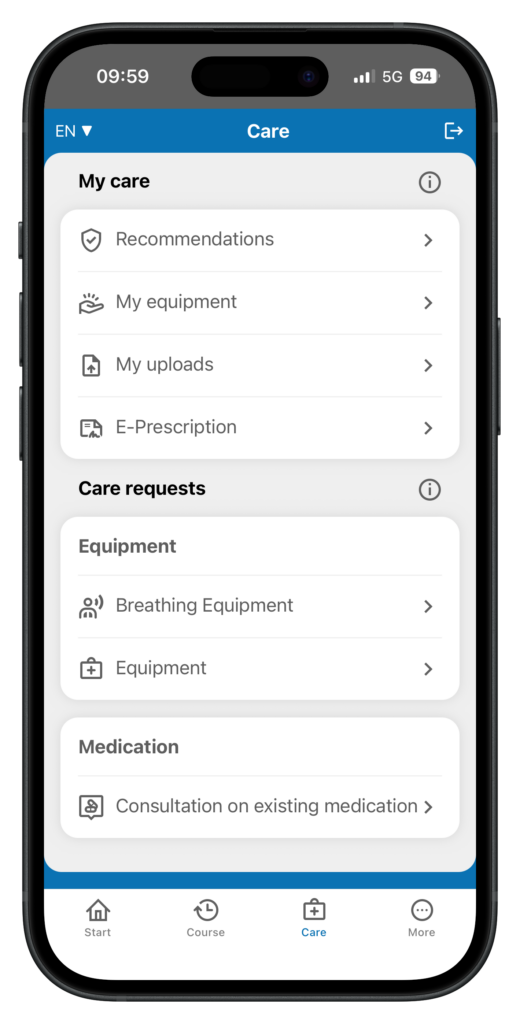
Overview “My assistive devices”
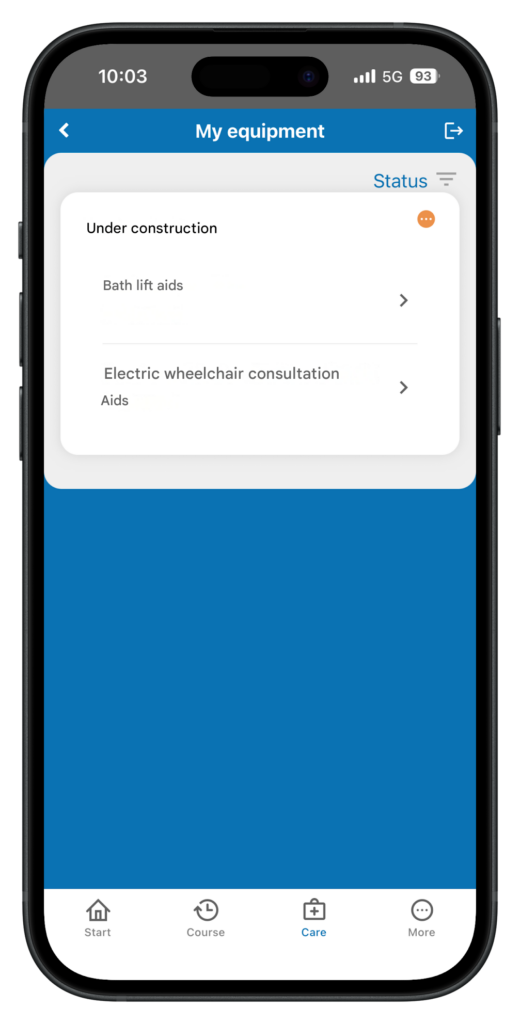
On the Care page, you will find the “My assistive devices” section. All assistive devices that have been coordinated via your case management are displayed in this area
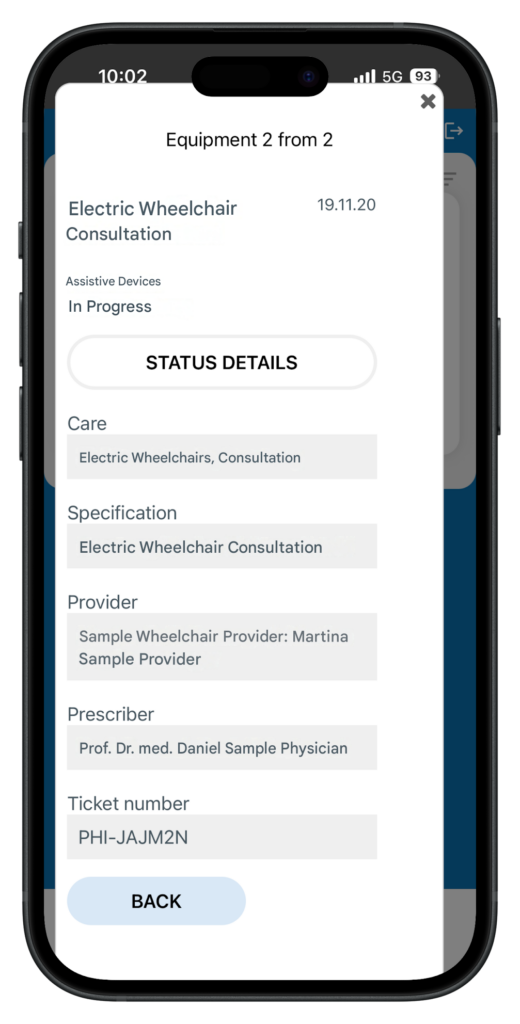
Overview of the state of supply
On the “My assistive devices” page, you can get an overview of the processing status of your assistive devices, which are coordinated by your case management.
Details of the provision of assistive devices
The “My medical aids” page takes you to the detailed view of a medical aid. The details include the processing status of the fitting and the supplying medical supply retailer.